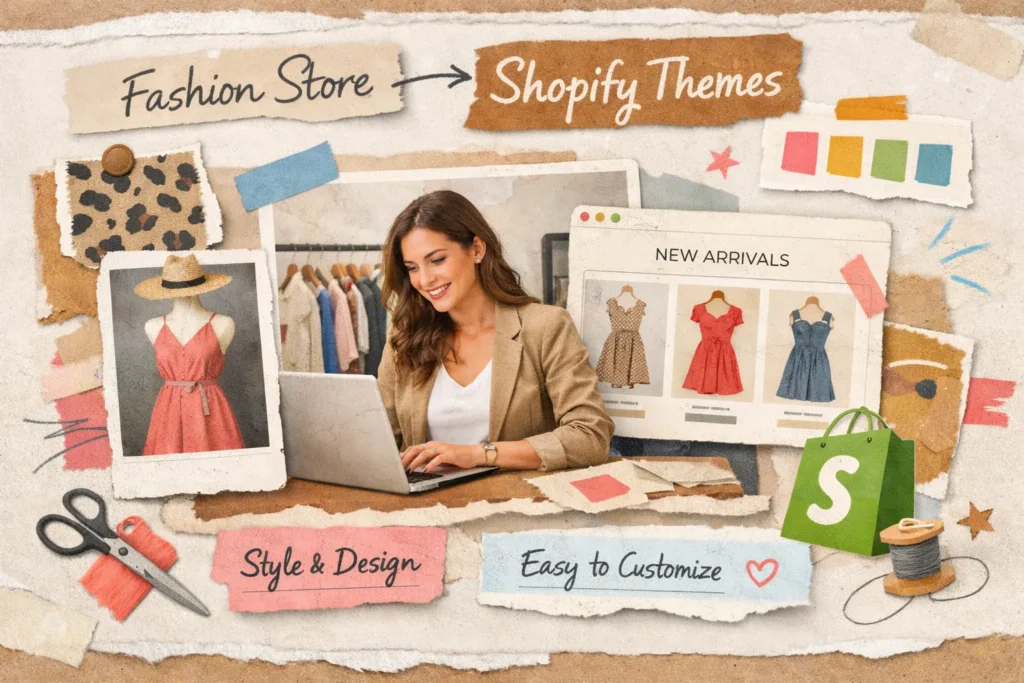
Choosing a Shopify theme for a fashion store is not just about design.
It directly impacts:
- Conversion rate
- Brand perception
- Mobile experience
- Average order value
- Page speed
- Long-term scalability
After working on 500+ Shopify stores, especially in fashion and lifestyle niches, one mistake keeps repeating:
Store owners choose themes based on demo beauty — not conversion logic.
This guide will help you choose the right Shopify theme strategically — not emotionally.
Why Shopify Theme Choice Matters More in Fashion
Fashion is visual commerce.
Customers are not buying fabric.
They are buying:
- Identity
- Lifestyle
- Confidence
- Status
According to Shopify data and industry reports, fashion stores receive over 70% of their traffic from mobile devices.
That means:
If your theme is not mobile-optimized first — you’re losing sales before they even see your products.
Step 1: Define Your Brand Positioning First
Before even browsing themes, answer this:
- Are you luxury or affordable?
- Are you minimalist or bold?
- Are you targeting Gen Z or 35+ women?
- Is your store product-heavy or brand-story driven?
Your theme must match your positioning.
| Brand Type | Theme Style Required |
| Luxury Fashion | Minimal, editorial layout, high white space |
| Streetwear | Bold fonts, aggressive banners, large imagery |
| Boutique | Soft visuals, storytelling sections |
| Fast Fashion | Strong collection grids + filtering |
A mismatch between brand and design reduces trust instantly.
Step 2: Analyze Product Page Layout (This Is Where Sales Happen)
Homepage gets attention.
Product page makes money.
Your fashion Shopify theme must include:
- Large product gallery
- Zoom functionality
- Variant image switching
- Color swatches
- Size selector clarity
- Sticky Add-to-Cart button
- Reviews section
- Clear shipping & return info
- Upsell / related products
In 3 recent audits we conducted for fashion brands, improving product page layout increased add-to-cart rate by 12–18%.
Never judge a theme by homepage only.
Open the product demo page carefully.
Step 3: Mobile Experience Is Non-Negotiable
Test theme demo on your phone.
Check:
- Is navigation smooth?
- Is menu easy to use?
- Are images sharp?
- Is add-to-cart visible without scrolling?
- Is size selection easy?
If it feels frustrating on mobile, don’t use it.
Fashion shoppers scroll fast. Friction kills conversions.
Step 4: Filtering & Collection Page Matters More Than You Think
Once you cross 30+ products, filtering becomes essential.
Your Shopify fashion theme should allow:
- Filter by size
- Filter by color
- Filter by price
- Filter by category
- Sort by new arrivals
- Sort by popularity
Poor filtering = lower dwell time + lower sales.
Step 5: Speed Optimization Is Critical
Fashion stores use:
- High-resolution imagery
- Lifestyle banners
- Videos
Heavy themes slow everything down.
Test demo theme speed using:
- Google PageSpeed Insights
- GTMetrix
Target:
- Under 3 seconds load time
- Clean code
- Lazy loading enabled
Slow themes increase bounce rate dramatically.
Free vs Premium Shopify Themes (Honest Breakdown)
Free Themes (like Dawn)
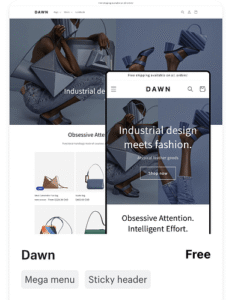
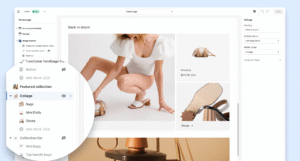
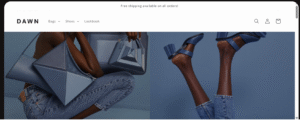
| PROS (✅) | CONS (❌) |
| Lightweight | Limited advanced marketing features |
| Fast | Fewer built-in promotional sections |
| Free | |
| Clean design |
Best for:
- New brands
- Testing product-market fit
- Under 30 products
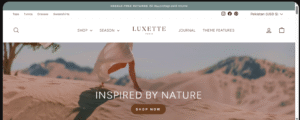
Premium Themes (Prestige, Impulse, etc.)
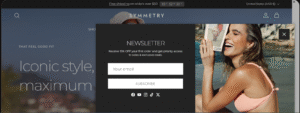
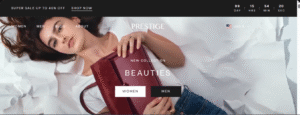
| PROS(✅) | CONS (❌) |
| Advanced filtering | Cost ($300–$380) |
| Built-in promotional blocks | |
| Better storytelling layouts | |
| More customization flexibility |
Best for:
- Scaling brands
- 50+ products
- Paid ad traffic
- Strong brand positioning
In most serious fashion businesses, premium themes outperform free themes long term.
Avoid These Common Mistakes
❌ Choosing theme based on animation
❌ Installing too many apps to “fix” theme weaknesses
❌ Copying big brands blindly
❌ Ignoring mobile layout
❌ Overloading homepage with sliders
Keep it clean. Fashion converts best with clarity.
Look for Built-In Marketing Features
Before installing any Shopify theme, confirm:
- Mobile optimized
- Fast loading
- Strong product page design
- Clean filtering system
- Matches brand identity
- Requires minimal extra apps
- Scalable for future growth
If 2–3 of these are weak, keep looking
Real Checklist Before Finalizing
Before installing any Shopify theme, confirm:
- Mobile optimized
- Fast loading
- Strong product page design
- Clean filtering system
- Matches brand identity
- Requires minimal extra apps
- Scalable for future growth
If 2–3 of these are weak, keep looking.
Frequently Asked Questions
Final Thoughts
The best Shopify theme for a fashion store is not the most beautiful one.
It’s the one that:
- Matches your brand positioning
- Converts well on mobile
- Loads fast
- Scales with your product range
- Minimizes reliance on heavy apps
If you’re unsure, always evaluate the product page first.
That’s where your revenue lives.